





Largest version
YouTube at 1280×720, Pinterest originals, X at orig. Found automatically.
Coming soon to Chrome, Edge, Brave, Arc and Opera · No account
Collected with Clip Shelf
Three moves. No tabs, no downloads folder.

001
A round + appears on any image, on any site. One click saves the full-size version.
002
Auto-copy keeps the shelf on your clipboard. Switch to Figma, a chat or a doc and paste.
003
The shredder empties the bar. Every batch waits in History to copy or restore.
Pages show thumbnails. Clip Shelf finds the original, so your boards stay sharp when you zoom in.
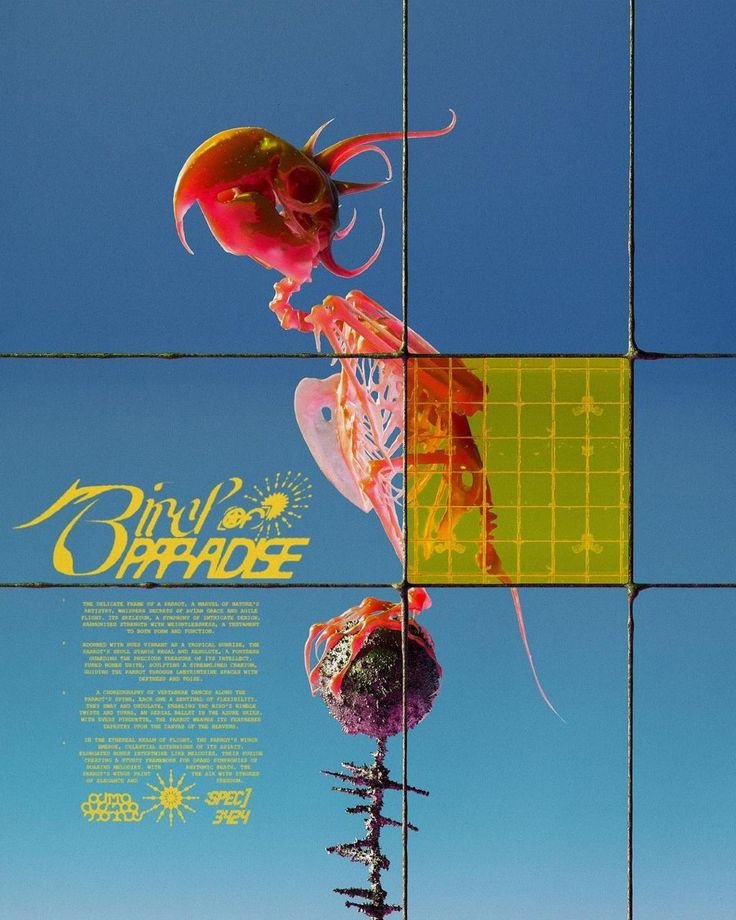
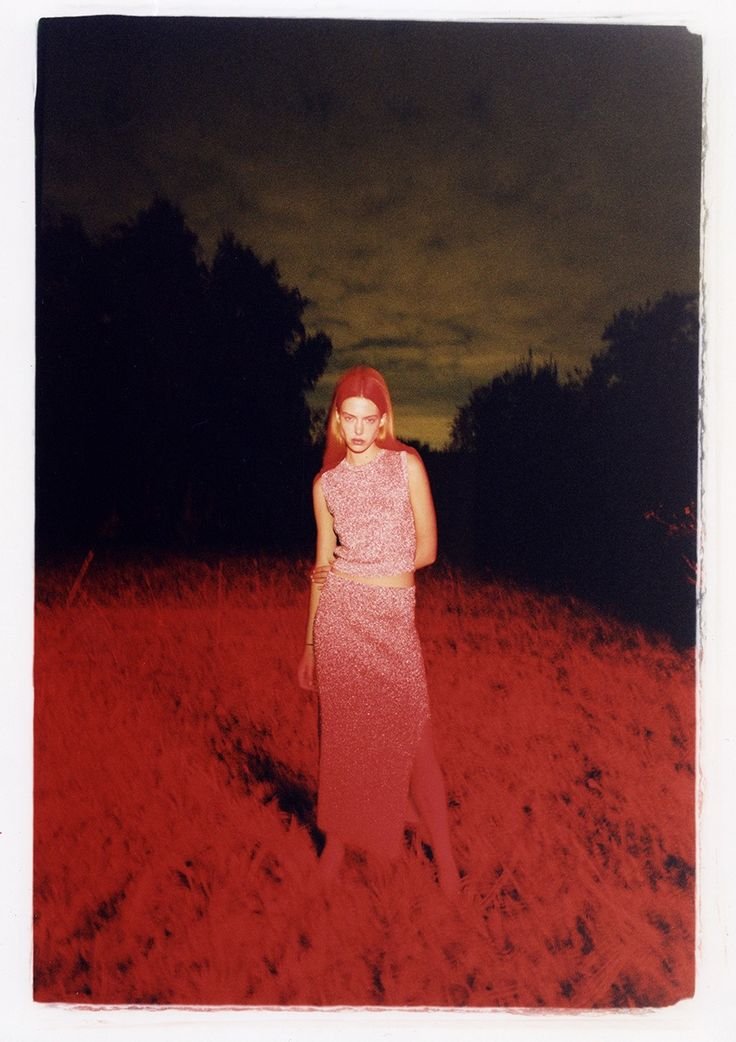
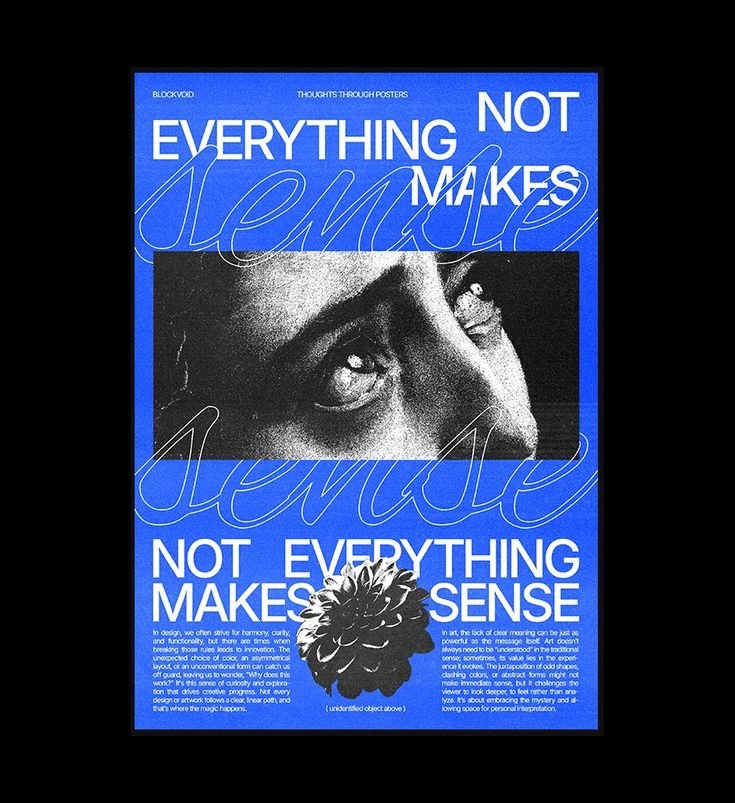
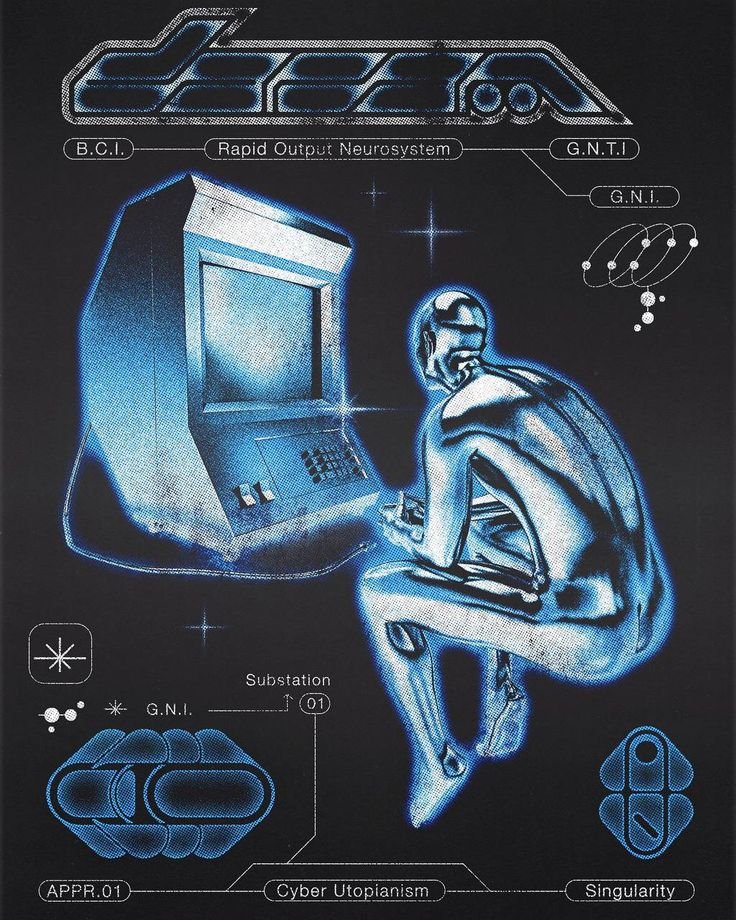
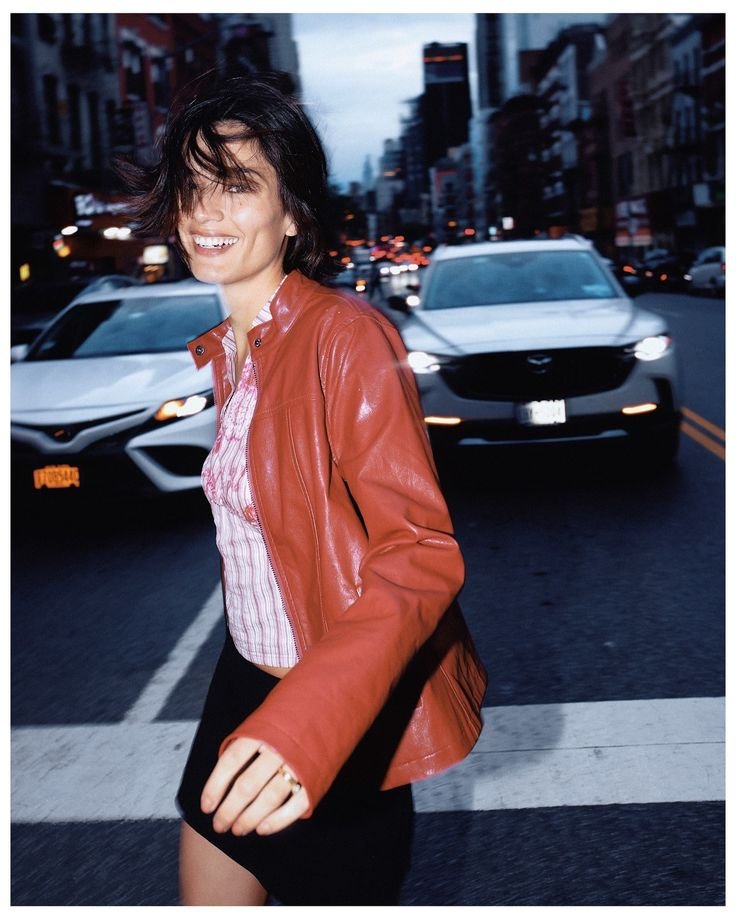

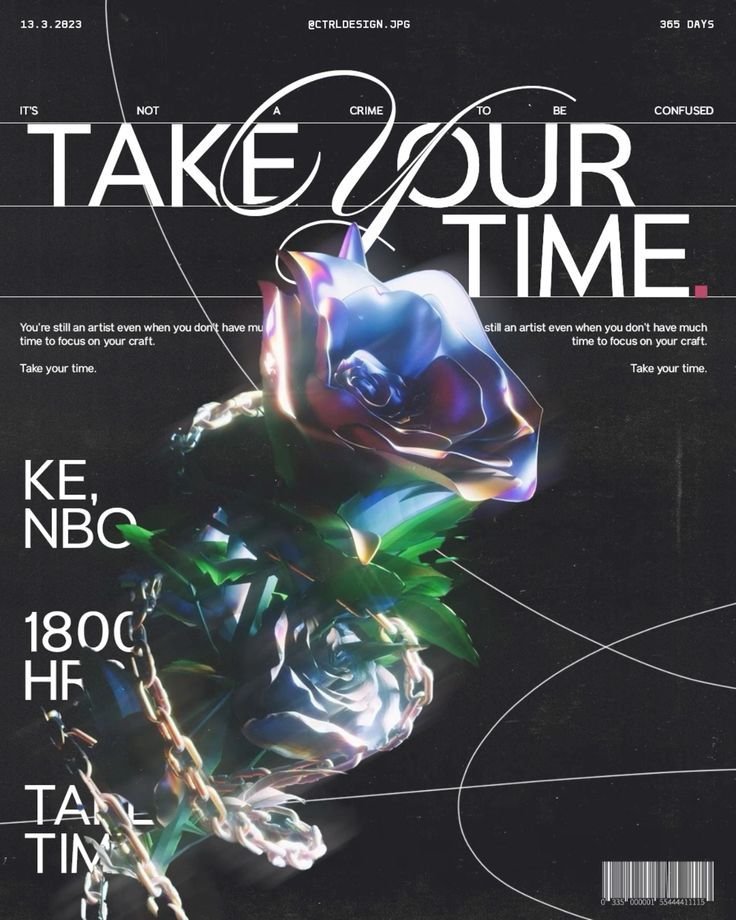
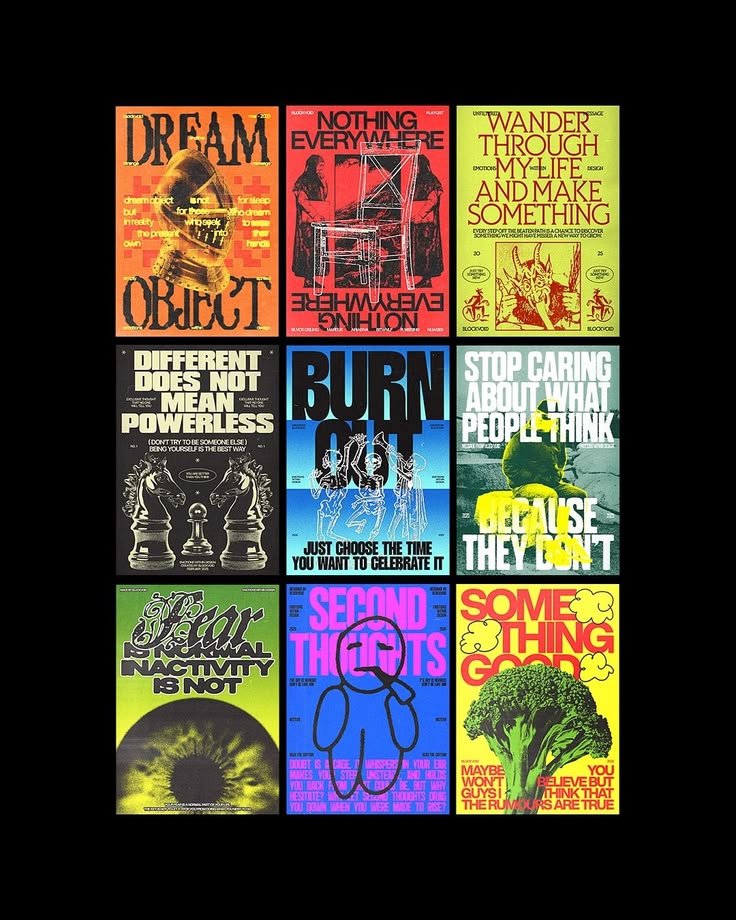

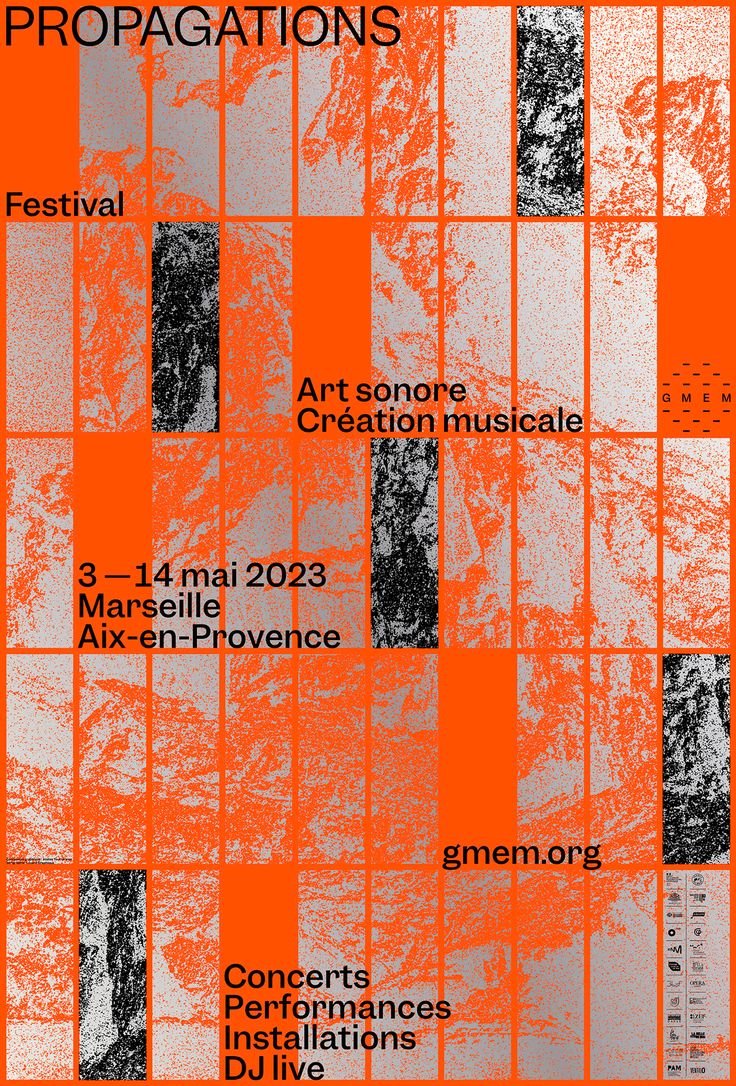
YouTube at 1280×720, Pinterest originals, X at orig. Found automatically.
645Group images as you go. Each board pastes into Figma as its own frame.
After every +, the whole shelf is on your clipboard.
Today, 14:05
Yesterday, 18:20
Clearing never deletes. Your last 200 images wait in History.
If a bigger size doesn’t exist, Clip Shelf steps down until one does.
| Site | Page shows | Clip Shelf saves | |
|---|---|---|---|
| YouTube | 336–480 px thumbnail | 1280 × 720 | |
| 236 px preview | Original upload | ||
| X / Twitter | name=small | name=orig | |
| Wikipedia | 220px thumb | Original file | |
| preview.redd.it | i.redd.it original | ||
| Behance | max_632 | max_3840 |
Anything else? Write to support and a person will reply.
No. Images, source addresses and preferences stay in your browser’s local storage. There are no accounts, analytics or servers.
Any Chromium browser: Chrome, Edge, Brave, Arc, Opera and Vivaldi. Once it’s live on the Chrome Web Store, one install covers every site.
Browsers let a page put a single picture on the clipboard. Pick Clip and One image in the bar menu and the whole shelf pastes as one tidy sheet into WhatsApp, Slack or Docs. Figma takes every image as its own layer.
Press Alt + S on any page, or turn on Show bar on this page in the toolbar popup. Pressing + on an image shows it too. You can change the shortcut in your browser’s extension settings.
Nothing is lost. The shredder moves the batch to History in the toolbar popup, where you can copy, download or restore it. History keeps your last 200 images.
Clip Shelf is on its way to the Chrome Web Store. Leave your email and we’ll write once, the day it’s live.
One email at launch. No spam, unsubscribe anytime.
Artwork and photography shown on this page belong to their original creators and appear for illustration only. Clip Shelf claims no ownership of them and is not affiliated with their authors.